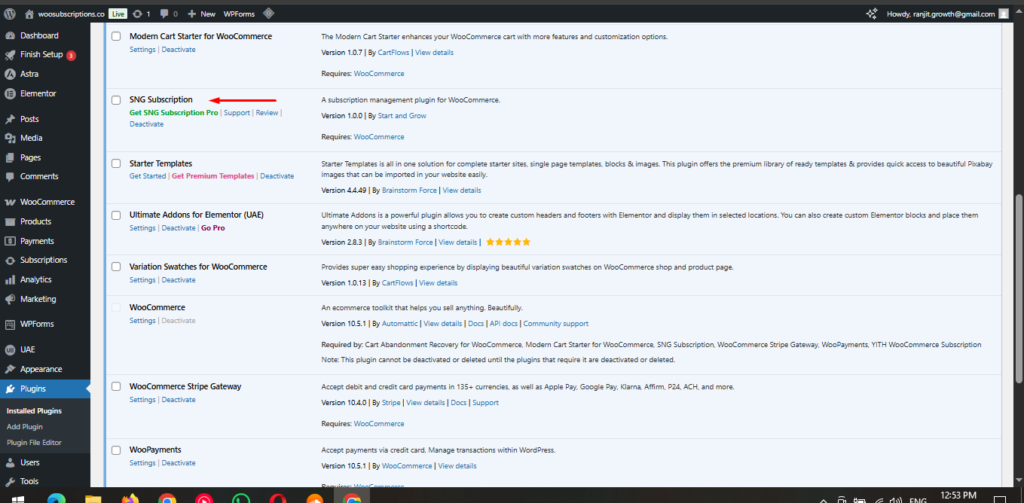
Follow the steps below to install the Flexi Subscription for WooCommerce plugin directly from your WordPress dashboard.
Step 1 – Go to Add Plugins
From your WordPress admin panel, navigate to:
Plugins → Add New
This will open the WordPress plugin marketplace where you can search for new extensions.
Step 2 – Search for the Plugin
In the search field located in the top right corner, type:
Flexi Subscription for WooCommerce
The plugin will appear in the search results.
Step 3 – Install the Plugin
Click the Install Now button next to Flexi Subscription.
WordPress will automatically download and install the plugin for you.
Step 4 – Activate the Plugin
Once installation is complete, the Install Now button will change to Activate.
Click Activate to enable Flexi Subscription on your store.
After Activation
After activating the plugin, you will see Flexi Subscription options available inside WooCommerce settings and product data panels.